.gif)
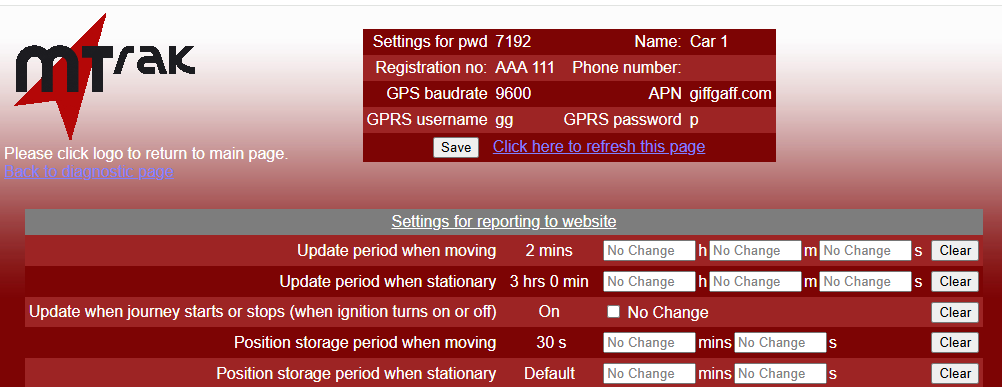
The page shows the latest settings on the tracking unit. Here is an example:-
To change a setting, simply fill in the values that you want and click on "Save". This is what the example looks like after a new setting has been saved:-
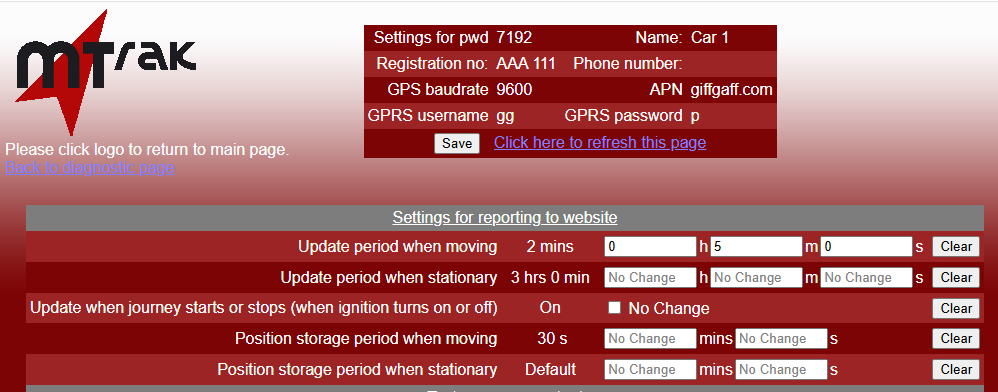
The values you have entered will be uploaded to the tracking unit the next time that it updates its position to the mTrak server.
Here is what the page will look like after that, once the page has been refreshed:-
Note:- Entering values on the setting page has no influence on when the tracking unit connects to the mTrak server. Sending a text may make the tracking unit connect and update the settings sooner.
Note:- Some settings are only available on newer versions of the firmware, so they will only appear on the settings page if the firmware on your tracking unit uses them.
Need Assistance?
Call our support team for technical and sales advice
Tel 024 76615736