.gif)
After logging in, a page with a list of vehicles is shown, along with a map of their positions.
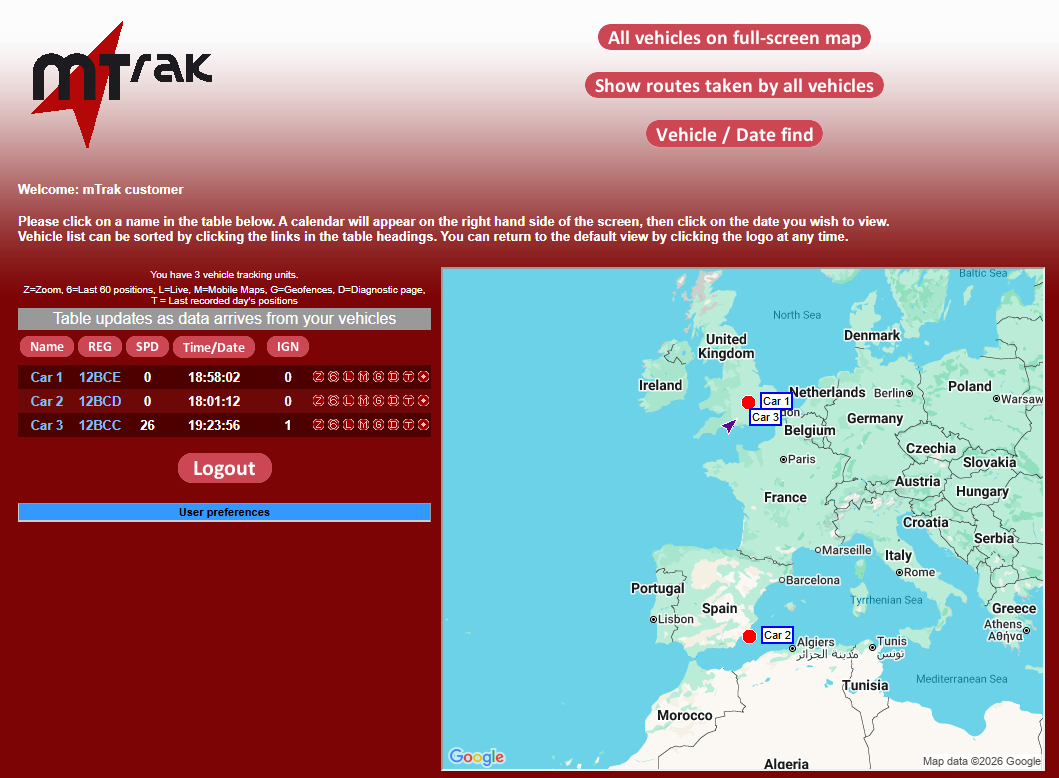
Clicking on the oval read buttons will sort the columns by Name, Registraion number etc. Clicking on the mTrak logo returns the sort order to oldest tracking unit first.
Clicking on the vehicle name or registraion number takes you to a page with a list of position for the latest day with data for that vehicle.
If the data from a tracking unit is overdue, the time/date for that vehicle is overdue/.
Need Assistance?
Call our support team for technical and sales advice
Tel 024 76615736